
Your tiny desktop quota companion
Keep coding.
BirdNion has an eye on the limits.
Claude, Codex, Gemini and other tools put usage in different places. BirdNion keeps what is left and when it resets one click away—using only the provider connections you choose.
Claude · Codex · Gemini · Cursor · Grok · see exact coverage
macOS 14+ · Homebrew
brew install --cask hapo-nghialuu/tap/birdnion
Signed with Developer ID and notarized by Apple. On Linux x86_64, download .deb, .rpm or AppImage

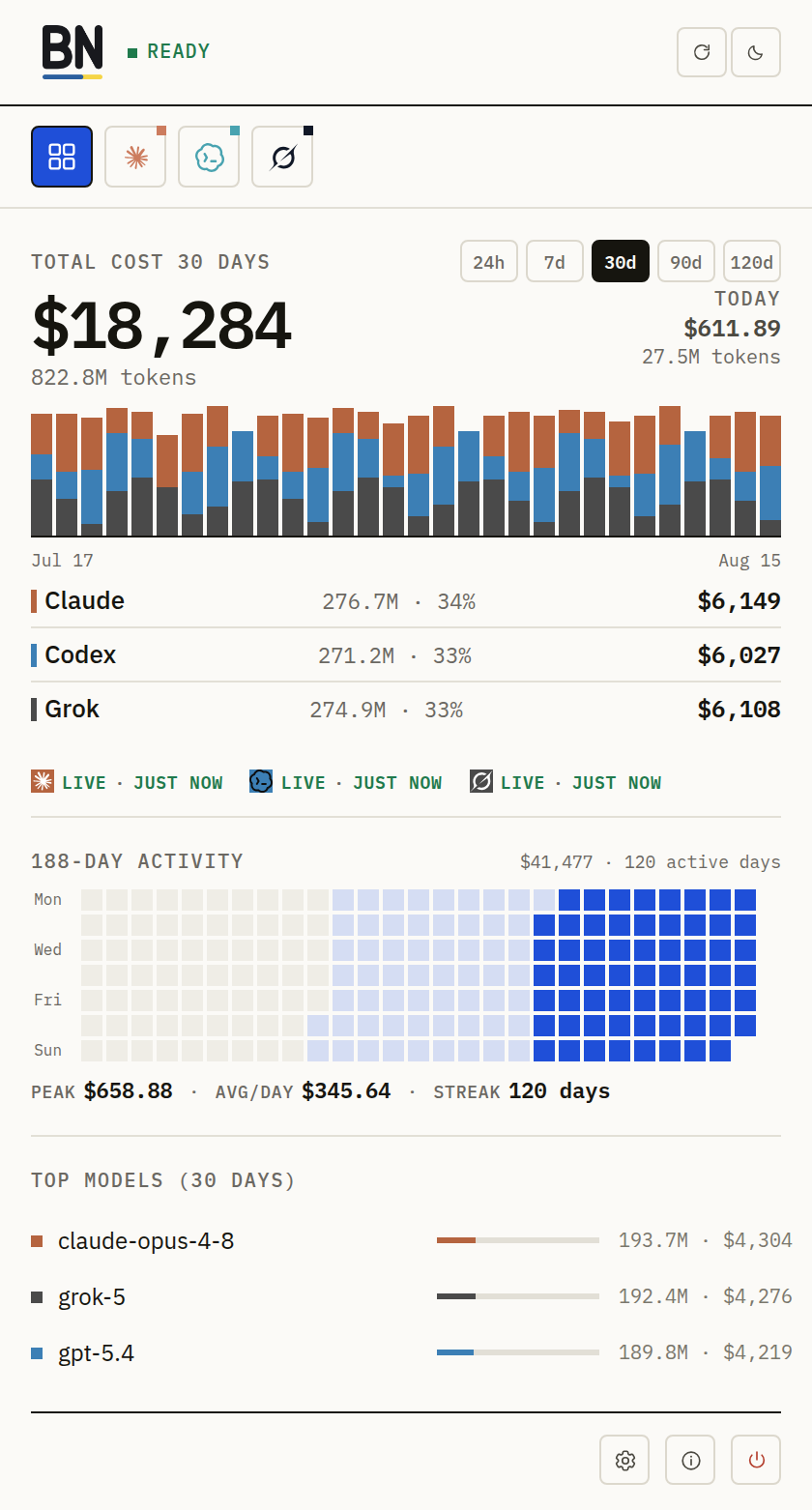
DURING A REAL WORK SESSION
One glance instead of five dashboards.
Before a long task or a tool switch, open BirdNion. It answers three questions from what each enabled source actually reports—and says when a connection needs attention instead of inventing a number.
-
01
How much is left?
Each card shows the quota windows its provider exposes—5-hour, weekly, monthly, credits or budget. A window the provider does not report stays marked unavailable.
02 / Quota cardRendered sampleClaudeTRAYLOWEST QUOTA · WEEK38%5 HOURS71%29% USEDRESETS IN 3HWEEK38%62% USEDRESETS IN 2DOPUS84%16% USEDRESETS IN 2DRebuilt from the current BirdNion Linux UI styles · sample data · not a native capture -
02
When can I use it again?
Reset countdowns tell you whether to wait, switch tools or keep going. Quota Agenda lines up the next resets across providers, using only reset times the providers report.
03 / Quota AgendaRendered sampleQuota Agenda3 providers with dataEXPLICIT RESET TIMES ONLYRebuilt from the current BirdNion Linux UI styles · sample data · not a native capture -
03
Does this source need attention?
When a sign-in expires or a key stops working, the card says so. Jump to the exact provider setting, fix the source and run the real check again.
04 / Needs attentionRendered sampleCodexTRAYCookie expired — sign in again in your browserRebuilt from the current BirdNion Linux UI styles · sample data · not a native capture
Also on macOS and Linux: daily local cost from Claude, Codex, Grok, Kiro, Oh My Pi and Pi session logs. macOS also reads Devin.
TRY ONE TOOL FIRST
Connect one provider.
See a real reset card.
- 01Install BirdNion
Use Homebrew on macOS or a release bundle on Linux.
- 02Pick one provider
Claude, Codex and Grok have the guided First Live path.
- 03Confirm the connection
BirdNion saves your choice, then checks the real source before calling it Live.
- 04See what is left
A real quota and reset card—not demo data—confirms the connection worked.
macOS 14+ via Homebrew
brew install --cask hapo-nghialuu/tap/birdnion
Current macOS signing: the app is signed with Developer ID and notarized by Apple, so Gatekeeper opens it directly.
Linux x86_64 · MIT licensed · no BirdNion sign-up
Download macOS or LinuxSTAYS OUT OF YOUR WAY
Glance up without leaving your editor.
On macOS, BirdNion lives in the menu bar; turn on menu-bar percentages to see what is left next to its icon. On Linux, the tray icon itself shows the percent and provider logo, on by default. Both rotate through your providers, the ones with quota in use first.
- macOS 14+Universal app · menu bar
- Linux x86_64DEB · RPM · AppImage
Current limits
- macOSDeveloper ID signed and notarized
- Linuxx86_64 bundles only
- LinuxNo global hotkey and no hover tooltip on the panel
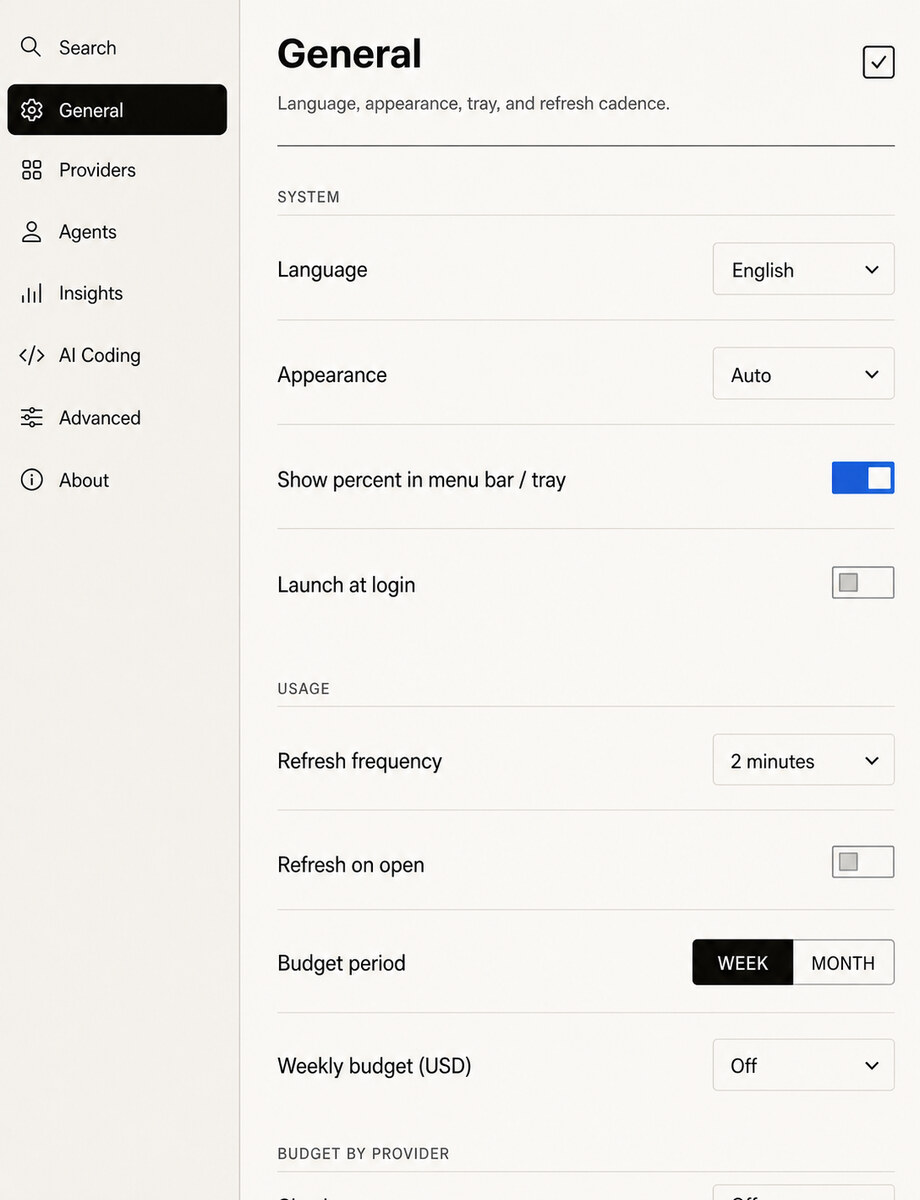
WHAT IT READS
No BirdNion backend
or account.
BirdNion reads the documented sources of the providers you enable, plus the local session logs of coding agents it finds at fixed install paths, for cost history. No full-disk scan. You can change each provider's source in Settings, and an enabled source still talks to its own provider.
- Passwords
- Never stored by BirdNion.
- Existing sign-ins
- Reused where supported. OAuth, Keychain and CLI sessions stay with the tools that own them.
- Keys you enter
- Saved as plain text in BirdNion's local files, readable only by your user account.
- Browser cookies
- On Auto, the default, a provider that supports cookies reads only its own site's cookies from your browser. Switch it to Manual or Off per provider.
- Project insights
- Saved as a folder name and a hashed ID, never the full path.
Questions before you invite this bird in
Will BirdNion scan my whole computer?
No. It checks a fixed list of install paths to find coding agents, reads those agents' local session logs for cost history, and reads the documented sources of the providers you enable. There is no recursive filesystem scan.
Do I need to sign in again?
It depends on the provider. BirdNion can reuse supported CLI, OAuth or browser sessions; other sources require an explicit key or configuration.
Does every provider expose the same data?
No. Each card reflects only what that provider or local source actually exposes, including unavailable states.
How is Linux different from macOS?
The Linux tray icon shows the percent by default, while macOS menu-bar percentages are opt-in. Linux has no global hotkey and no hover tooltip on the panel, ships x86_64 bundles only, and does not show Codex code-review usage.
Does BirdNion cost anything?
No. BirdNion is MIT licensed and needs no BirdNion account. Your providers' own plans and API pricing still apply.
Will macOS warn me on first launch?
Only the standard “downloaded from the Internet” confirmation on first launch. The app is signed with Developer ID and notarized by Apple, so Gatekeeper accepts it.